
Restore old photos
and bring faces back to life
AI sharpens blurry faces, cleans up grain and repairs scratches in faded family photos — right in your browser. Your memories never leave your device.
- Sharpens every face
- Repairs scratches & tears
- 2× HD enhance
- Private — never uploaded
- No credits, no subscription.
- $0No credits, no subscription.
- Group photos restored face by face.
- Every faceGroup photos restored face by face.
- Your family photos stay private.
- 0 uploadsYour family photos stay private.
- Print-ready, no watermark.
- 2× HDPrint-ready, no watermark.
How it works
Old photo to new memory in three steps
No editing skills and no account. Drop a photo, download it restored.
- 1
Scan or snap the print
A scanner or a straight, well-lit phone photo of the print works. Add up to 5 photos at once.
- 2
AI restores it
Every face is found and sharpened, grain is reduced and the whole photo is enhanced 2×.
- 3
Touch up & download
Paint over scratches to repair them, compare before and after, and download in HD.
Real results
See it on real old photos
Historic photos scaled down to a typical album-scan size, then restored by this tool — nothing retouched. Drag to compare.
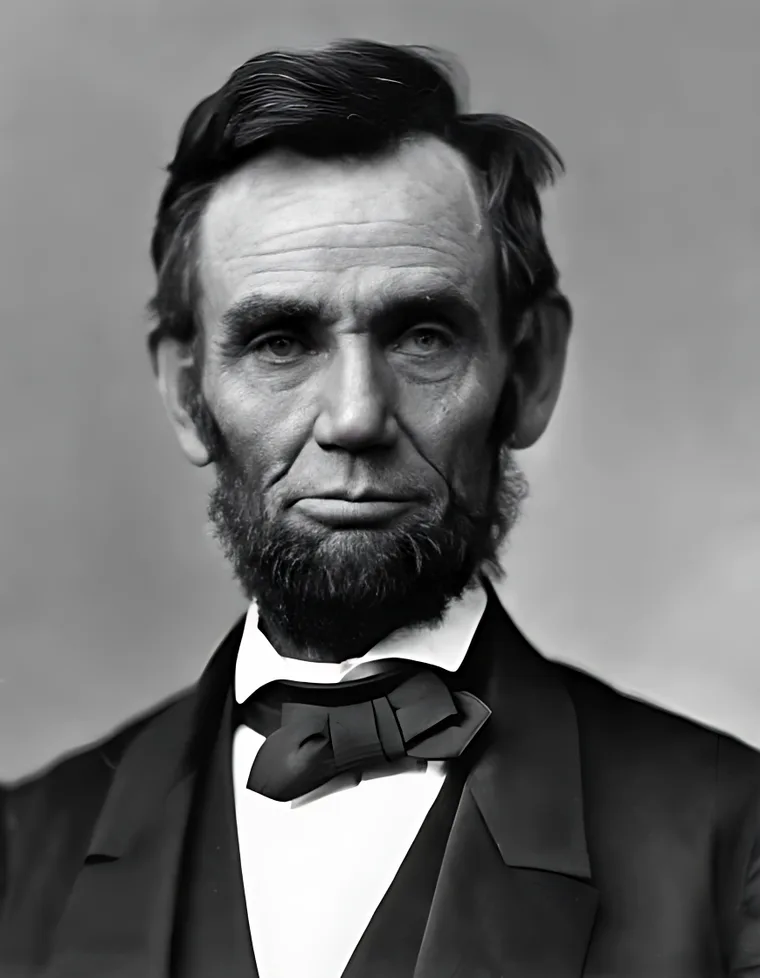
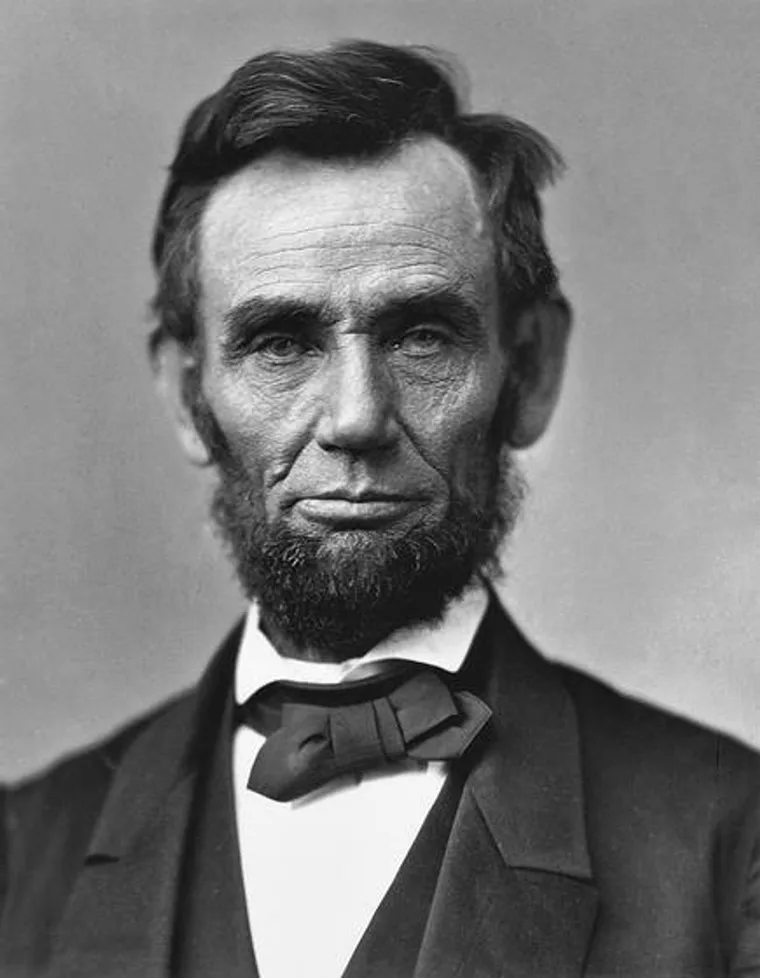
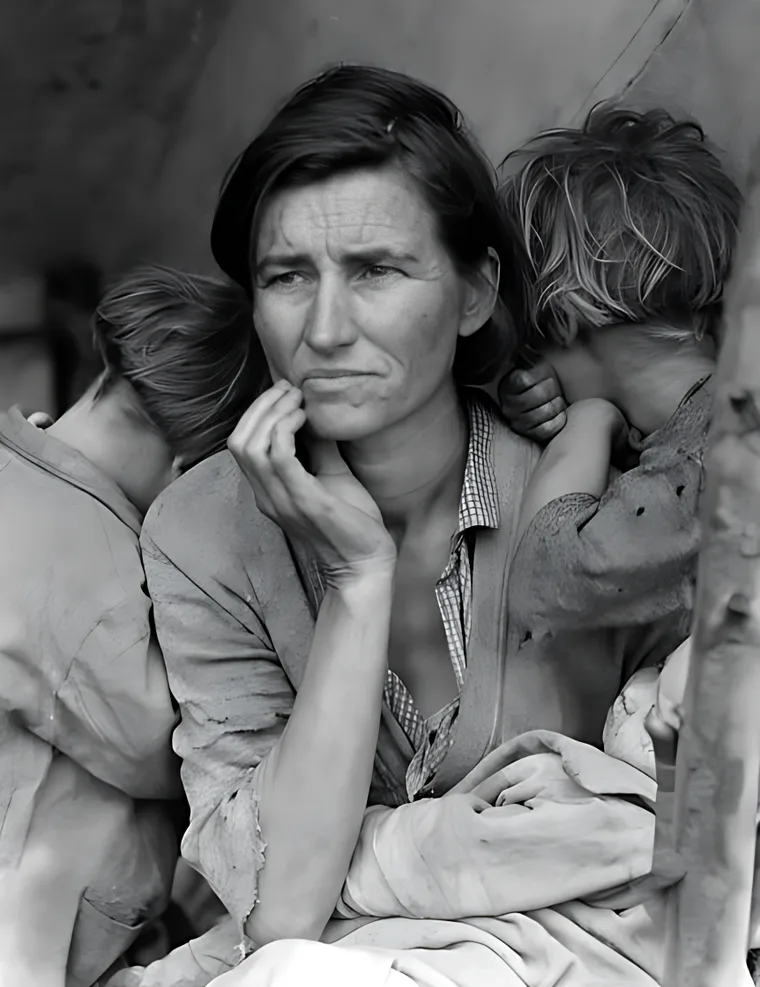
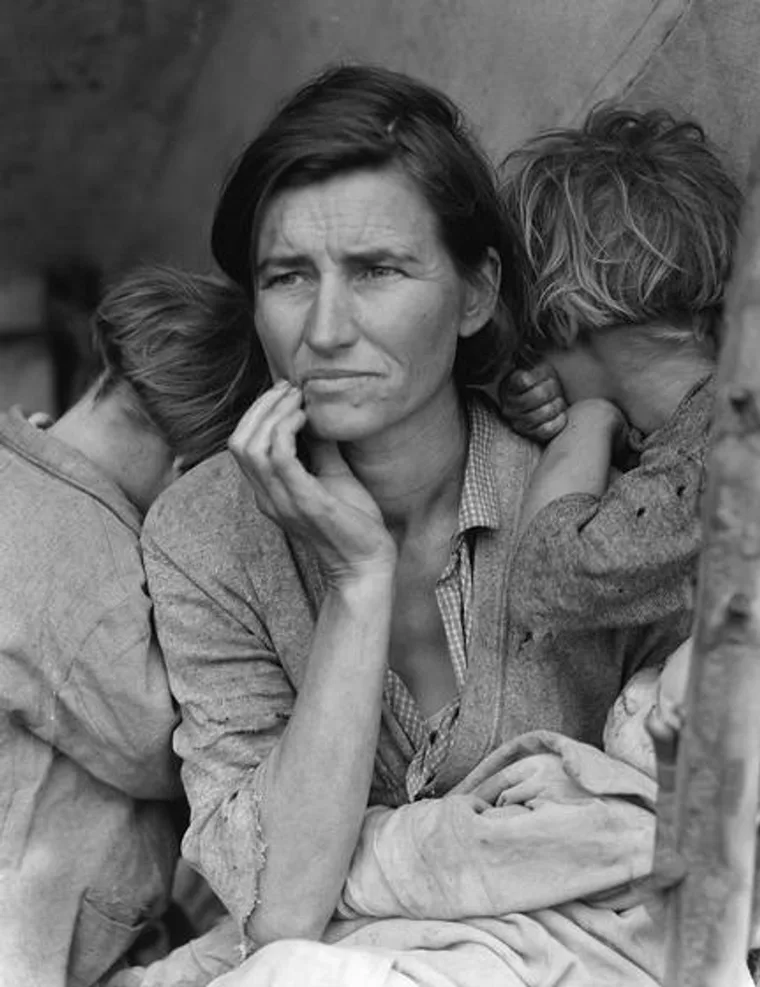
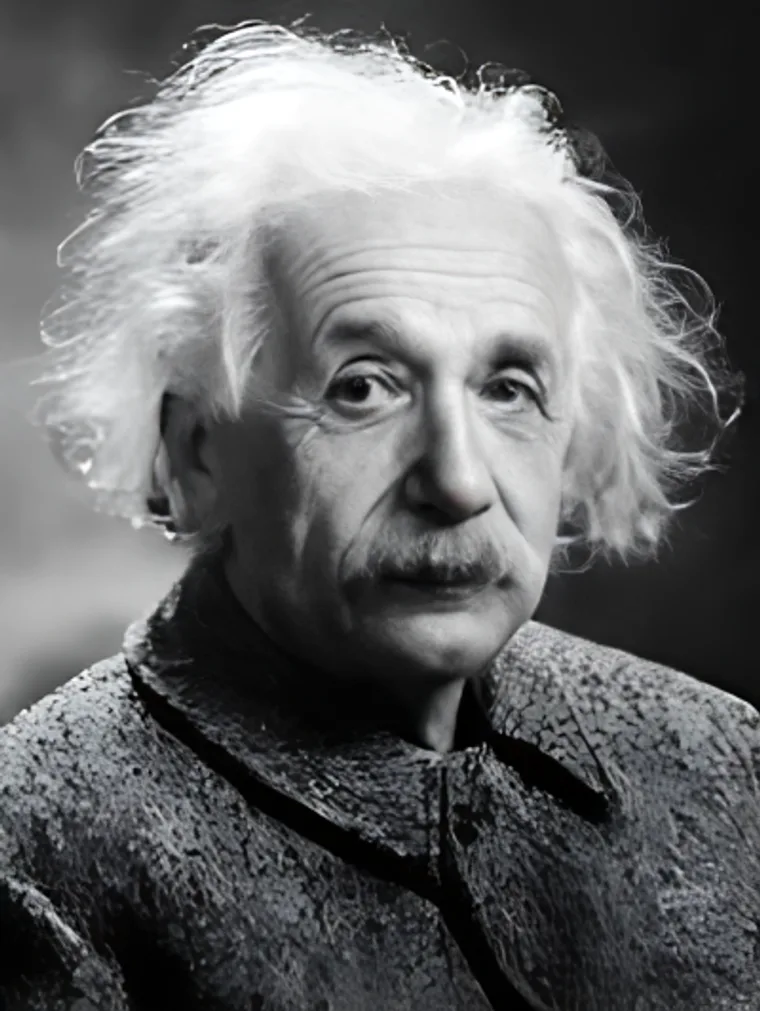
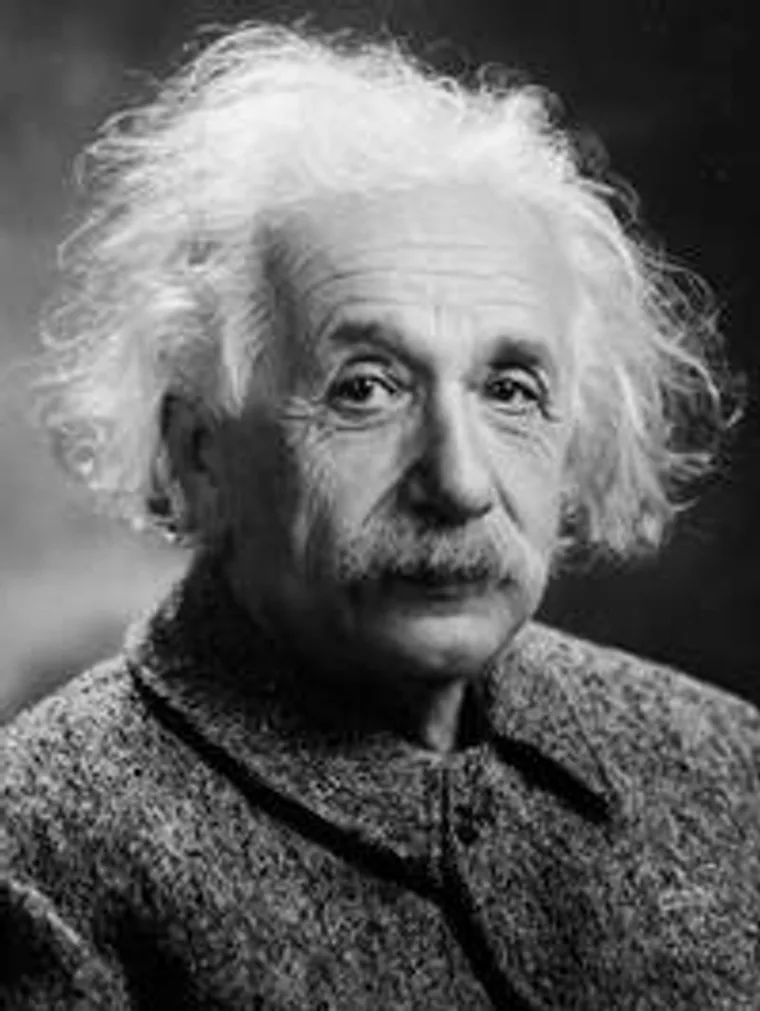
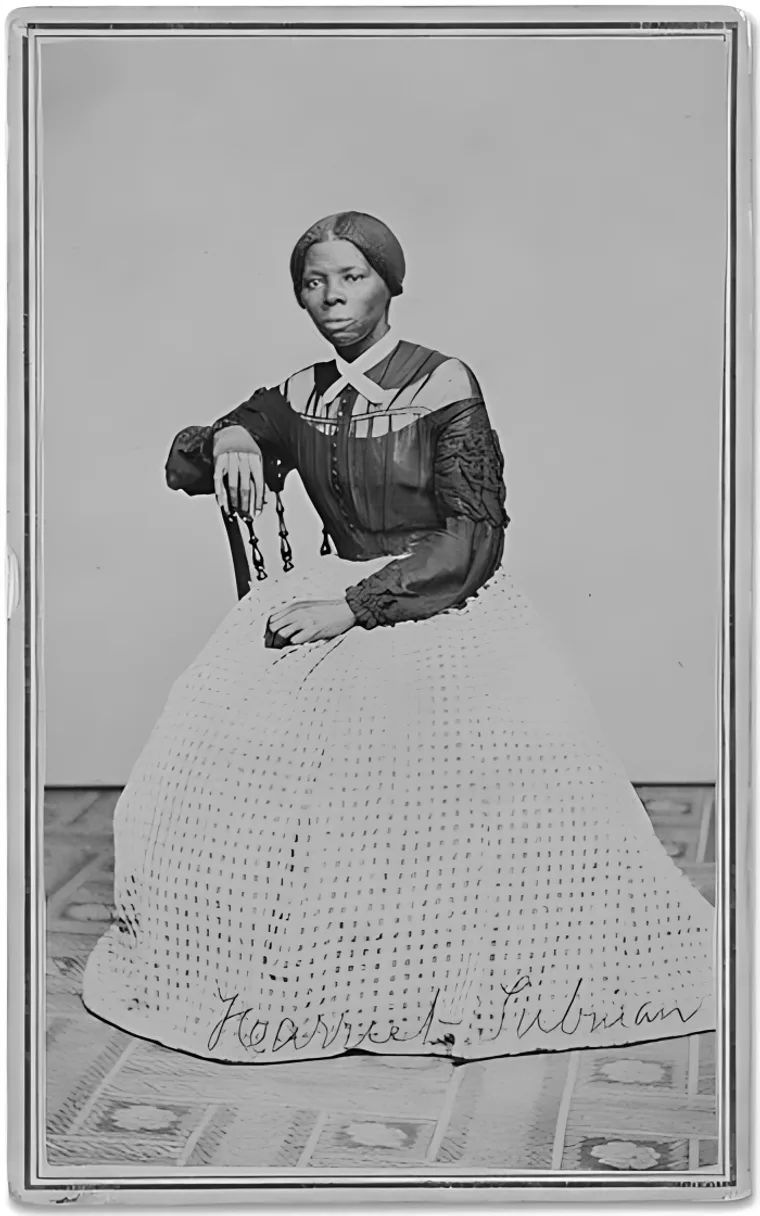
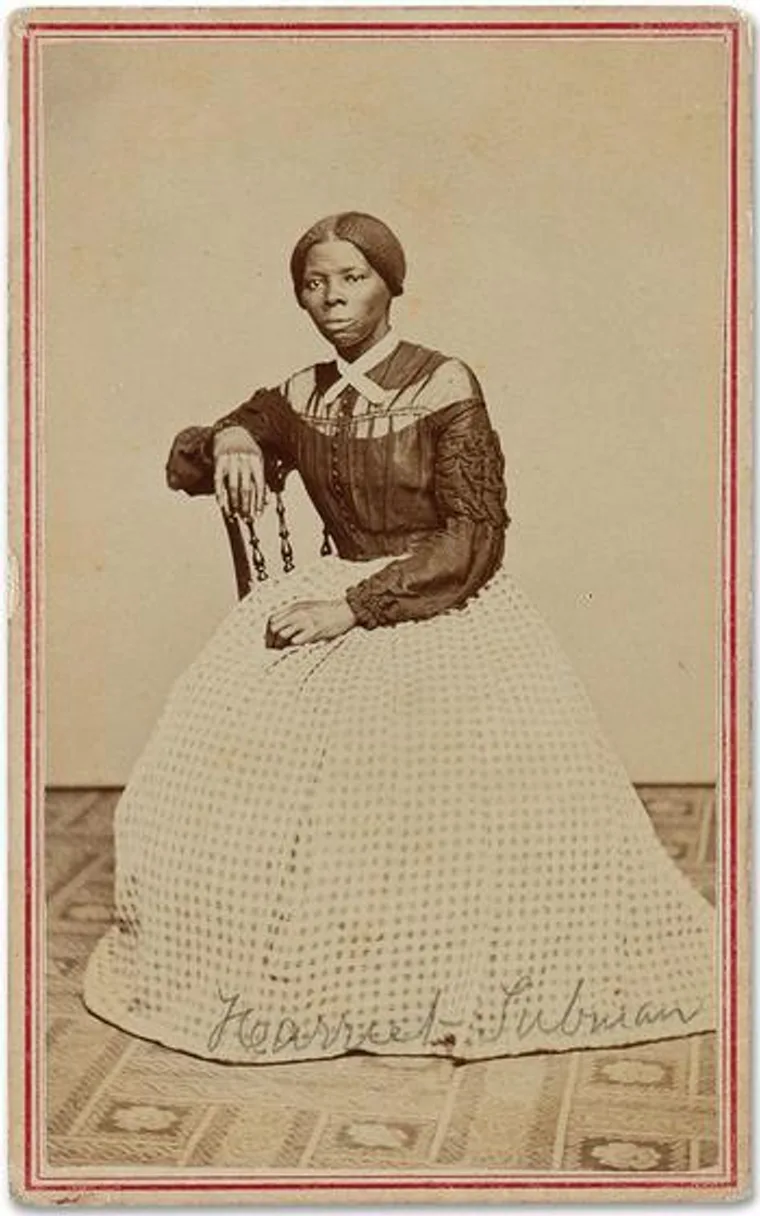
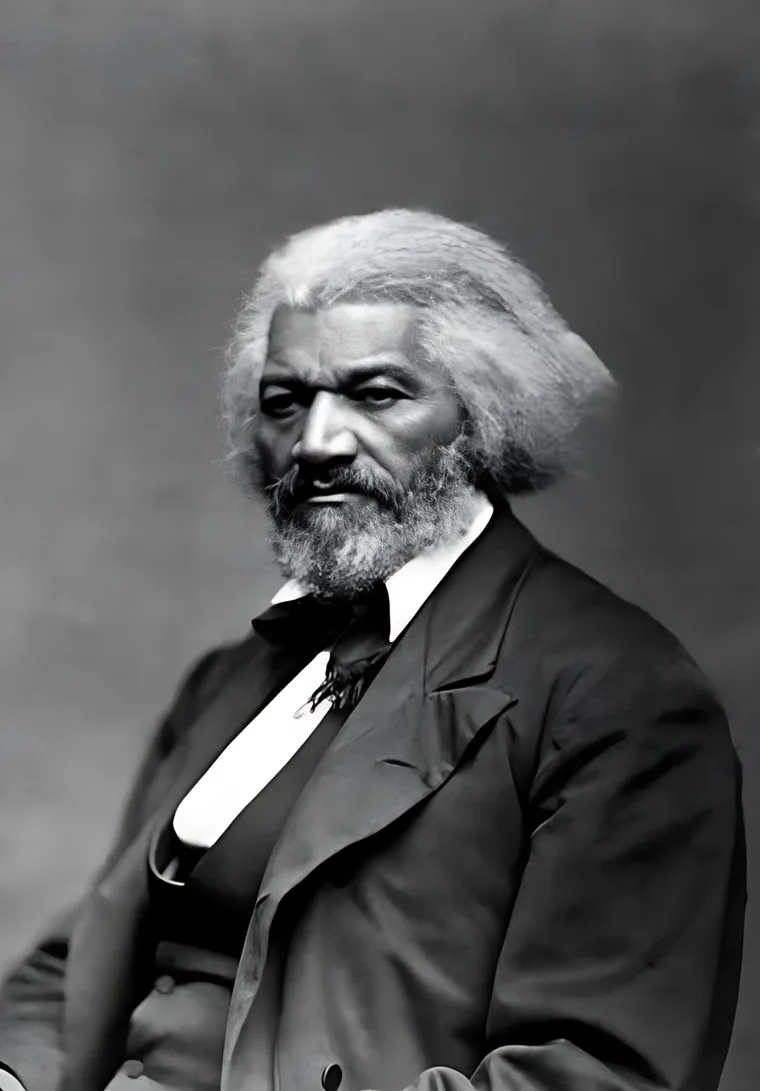
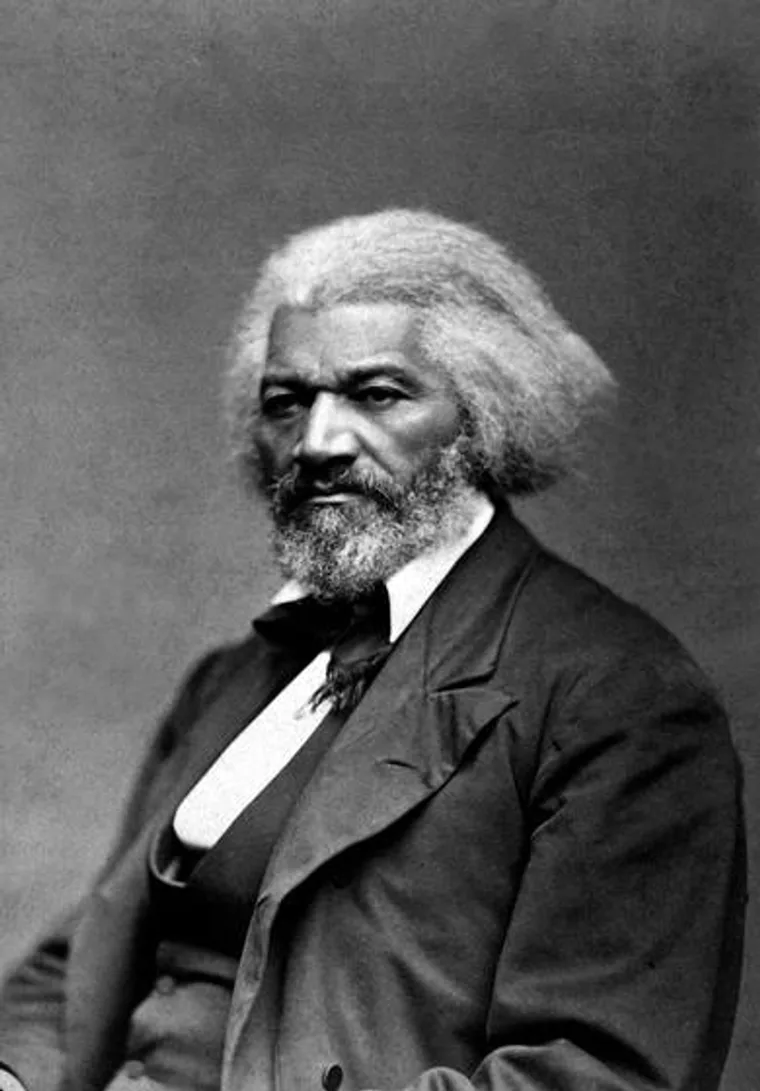
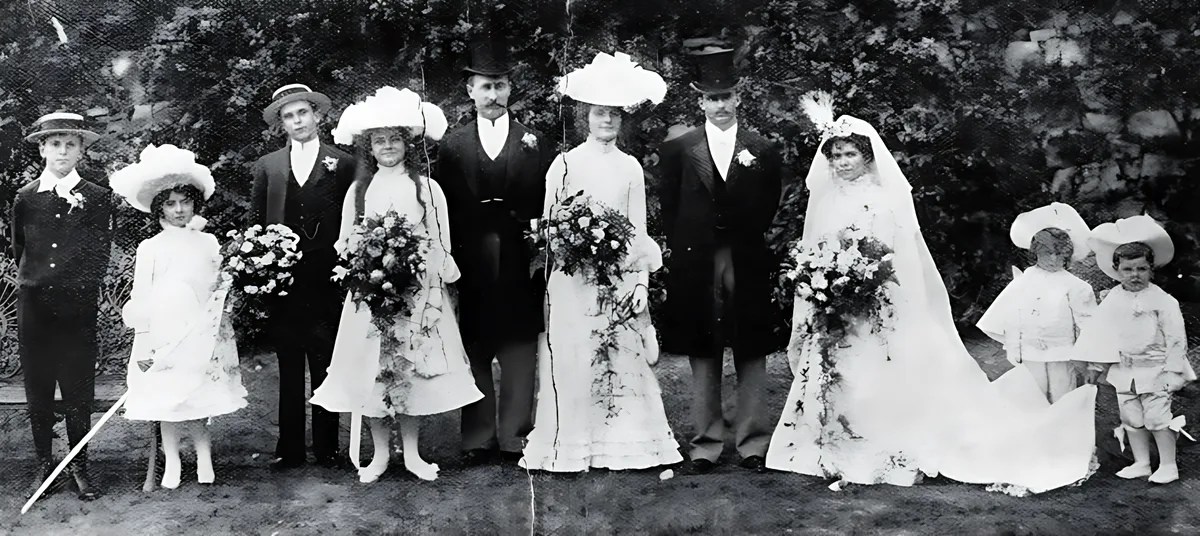
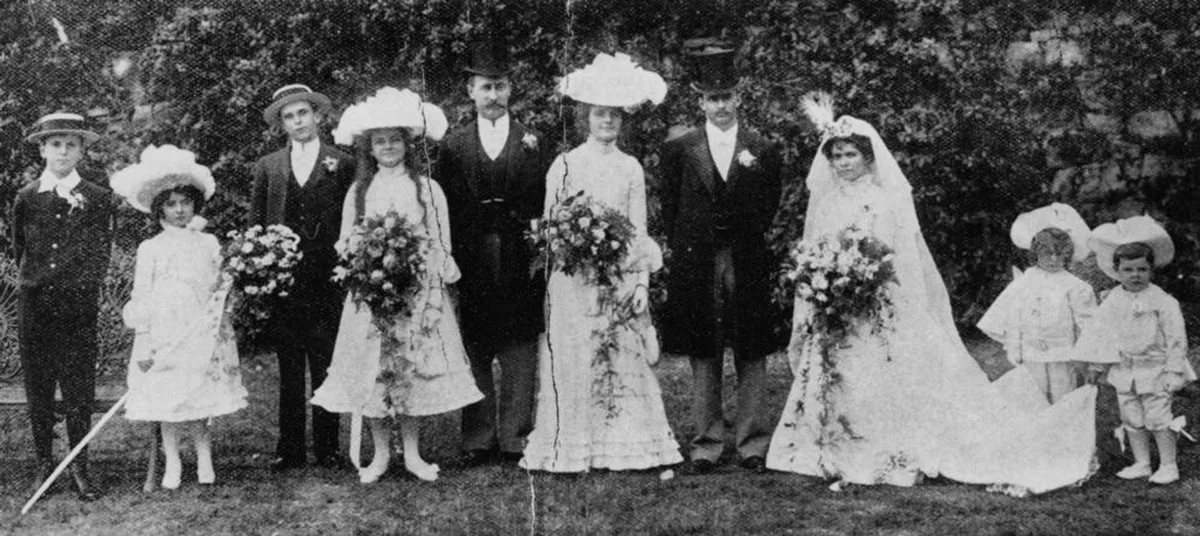
All original photos are in the public domain (Library of Congress and State Library of Queensland, via Wikimedia Commons).
Features
Everything paid restorers do, free
Face restoration
Every face is found and rebuilt with sharp eyes, skin and hair — with a strength slider to keep the original look.
Scratch & tear repair
Paint over cracks, creases and dust spots and AI fills them in. Undo any step.
2× HD enhance
The whole photo is sharpened and upscaled 2× while film grain is smoothed away.
Tone & contrast
Bring back faded contrast, remove yellowing with black & white, or go warm sepia.
Private by design
The AI runs in your browser. Your photos are never uploaded to a server.
Free, really
No watermark, no credits, no signup. Full-resolution PNG, JPG or WebP.
Use cases
For every photo worth saving
Guides and presets for the photos people restore most.
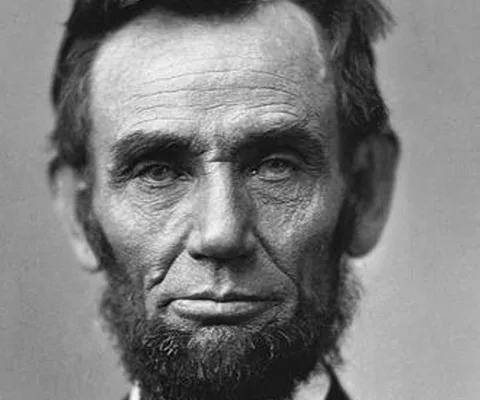 Before
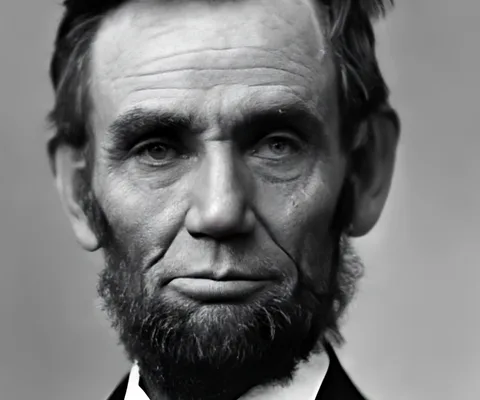 After
AfterOld photos
Faded prints and scans from the family album.
Restore old photos in seconds, for free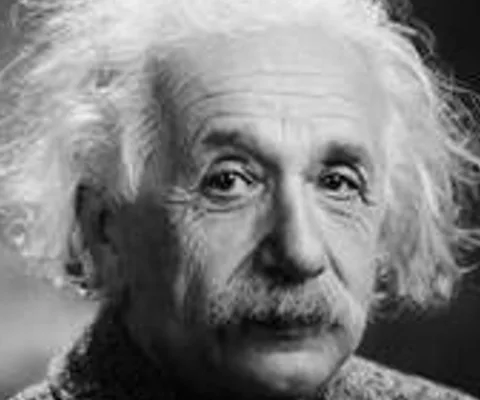 Before
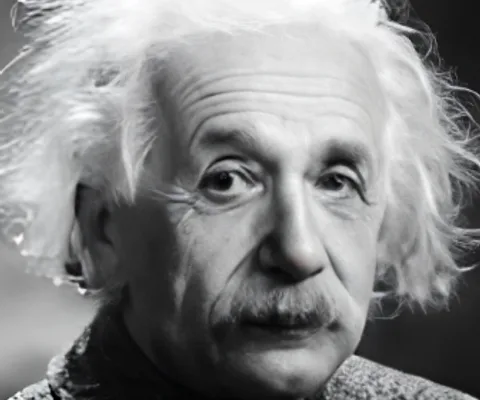 After
AfterBlurry photos
Unblur faces and sharpen low-resolution pictures.
Fix blurry photos and unblur faces Before
 After
AfterScratched & torn photos
Paint over cracks, folds and dust — AI fills them in.
Repair scratched and torn photos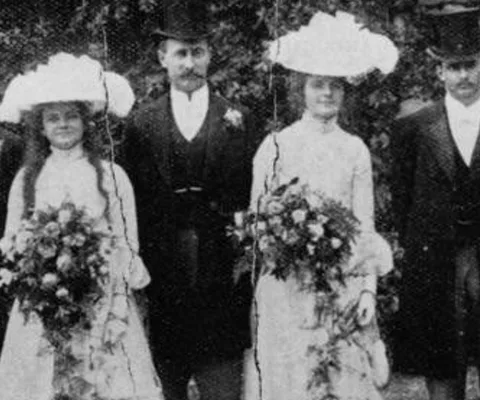 Before
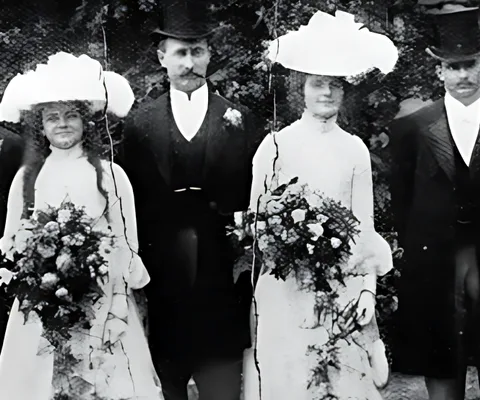 After
AfterOld wedding photos
Every face in the wedding party, restored.
Restore old wedding photos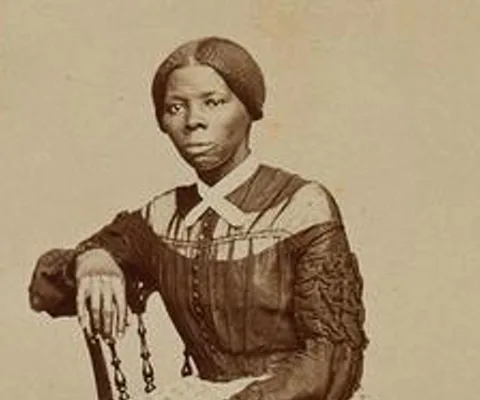 Before
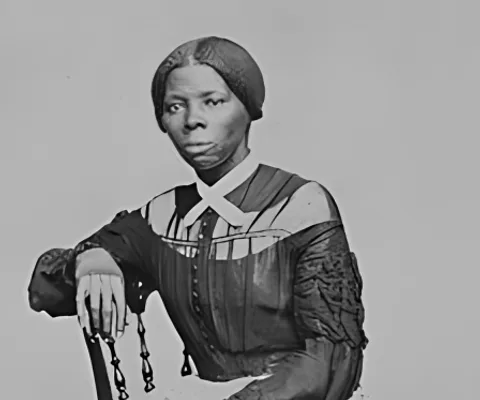 After
AfterBlack & white photos
Remove yellowing and restore crisp blacks and whites.
Restore black and white photosCompare
Pro restoration, without the paywall
What you normally pay credits or a subscription for — free, and more private.
| Feature | Doetra | Typical paid tools |
|---|---|---|
| HD download of restored photos | Free | Paid credits or subscription |
| No watermark | Always | Often only on paid plans |
| No signup or app install | Yes | Account or app required |
| Restores every face in group photos | Yes | Often limited on free plans |
| Scratch & tear repair | Yes | Paid plans |
| Photos stay on your device | Never uploaded | Uploaded to their servers |
FAQ
Questions, answered
Is Doetra Photo Restorer really free?
Yes. There are no credits, no subscription and no watermark, and HD downloads are free. The AI runs on your own device, so there is no per-photo server cost to pass on.
Are my family photos uploaded anywhere?
No. The AI models are downloaded to your browser and every photo is restored locally on your device. Your photos are never sent to a server.
What does the AI actually fix?
It finds every face and restores it (sharper eyes, skin and hair), enhances the whole photo 2× to remove blur and film grain, brings back contrast in faded prints, and repairs scratches, tears and dust spots you paint over.
How long does it take?
Usually 10–40 seconds per photo on a computer, depending on its size and the number of faces. Photos are processed one at a time so your browser stays responsive.
What are the size limits?
Up to 5 photos at a time, each up to 25 MB in JPG, PNG or WebP. Very large scans are worked on at up to 2400 px; enhanced results come out at up to 3200 px — sharp enough to print.
Will it change how people look?
Restoration adds detail the original photo lost, so faces can look slightly different. Use the Strength slider to keep more of the original — lower values blend in less of the AI.
Can I use the restored photos commercially?
Yes, the restored photos are yours. The AI models we use are released under commercial-friendly licenses (Apache 2.0 and BSD-3).
More free AI tools
The Doetra free toolkit
Private, in-browser AI tools. All free.
Background Remover
Cut out any photo in HD.
Photo Colorizer
Bring black-and-white photos to color.
Coming soonProduct Studio
Marketplace-ready product shots.
Coming soonVoice Cleaner
Remove noise from recordings.
Coming soonVocal Remover
Split songs into vocals and music.
Coming soonTelling your family's story? Let AI write it.
Doetra writes SEO-optimized articles and blog posts in minutes and publishes them to WordPress in one click.
Start writing free